
Send enquiry ⏎

Laravel Online Live Class by Experts

Our Training/Internship Process

Laravel Online Live Classes in Tengah | Free Demo Training

Laravel - Syllabus, Fees & Duration

Section 1 : Introduction of Laravel PHP Framework

  • Installing Laravel
  • Artisan CLI ( command-line interface )
  • Laravel Directory Structure
  • Configuring a new Laravel project

Section 2 : Architecture & Basics

  • Architecture overview -Basic routing
  • Call a controller method from a route
  • Passing variables from controllers to views
  • CSRF protection
  • Validation
  • Error handling
  • Controller
  • Request
  • Response
  • Views
  • Session

Section 3 : HTML Template to Laravel Blade Template

  • Master layout
  • Extending the master layout
  • Displaying variables
  • Blade conditional statements & loops
  • PHP functions in blade
  • Creating and using a basic views
  • Loading a view into another view/nested views
  • Adding assets
  • Integrating with Bootstrap

Section 4 : Security & Session

  • Authentication
  • Authorization
  • Encryption
  • Hashing
  • Using Security
  • Sessions Effective

Section 5 : Database

  • Introduction
  • Query Builder
  • Migrations
  • Seeding

Section 6 : Eloquent ORM ( Storing and Using Data )

  • Eloquent ORM Models
  • Naming conventions
  • Table name and primary keys
  • Timestamps
  • Eloquent ORM INSERT, READ , UPDATE , DELETE
  • Using models in controllers
  • Displaying data from models in views

Section 7 : Creating a registration & user login form

  • Artisan command to create inbuilt user register and login system
  • Authenticating Your Application
  • Adding Custom Fields to Registration Form
  • Creating user profile page

Section 8 : Admin Panel Setup

  • Introduction
  • Setup Admin Panel using Bootstrap theme
  • Create Admin login
  • Creating an admin authentication system
  • Encrypting and decrypting data

Section 9 : Using Ajax and jQuery

  • Introduction
  • Getting data from another page
  • Setting up a controller to return JSON data

Section 10 : Project

Download Syllabus - Laravel
This syllabus is not final and can be customized as per needs/updates
   
10000+
20+
50+
25+

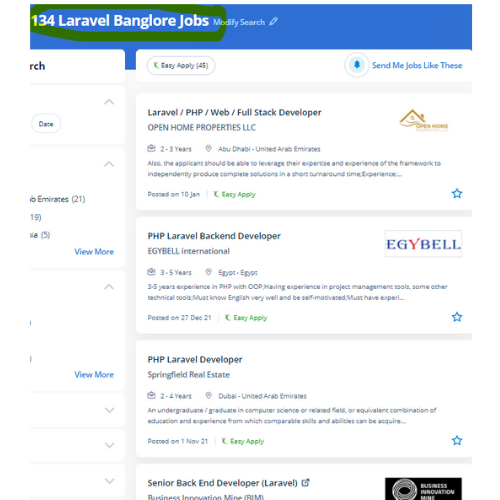
Laravel Jobs in Tengah

Enjoy the demand

Find jobs related to Laravel in search engines (Google, Bing, Yahoo) and recruitment websites (monsterindia, placementindia, naukri, jobshybrid.com, indeed.co.in, shine.com etc.) based in Tengah, chennai and europe countries. You can find many jobs for freshers related to the job positions in Tengah.

  • Full stack Developer
  • PHP Developer Laravel
  • Laravel Developer
  • Backend Developer
  • Senior Php Web Developer
  • Senior Backend Developer
  • Software Engineer-Laravel
  • Systems developer
  • Lead Full Stack Developer
  • Programmer

Laravel Internship/Course Details

Laravel internship jobs in Tengah
Laravel This coaching covers fabricating ready a development environment, configuration, and step by step moving on to the various factors. Laravel could be a free, modern, dynamic, and important open-source PHP web application framework, designed for the development of model- view- controller (MVC) web applications. It abstracts complicated functionalities by giving easy-to-apply functions and methods to do the work for you. This Laravel course explains a way to use the Laravel PHP frame to make web operations. Presently, Laravel is engaged by thousands of professionals around the globe. Nestsoft offers the best PHP Laravel architecture training. Occasionally site performance affects some features and functionalities. It permits the website designers to vary a web project and its functions without the demand to induce expensive and time-consuming back-end code manipulations. One of the most necessary advantages of choosing Laravel for your web app development is its capabilities to supply high-toned security. Nestsoft offers the best Laravel online live training with the most skilled professionals who are certified at a professional level.


Meet a Few of our Industry Experts 🚀 Your Pathway to IT Career

Mohini

Mobile: +91 8301010866
Location: Online (Tengah, Singapore)
Qualification: graduated

Experience: UI UX designer skilled in Figma Adobe XD user research wireframing prototyping interaction design front-end basics collaboration and staying updated  more..

Naimesh

Mobile: +91 8301010866
Location: Online (Tengah, Singapore)
Qualification: Graduate

Experience: Adobe creative suite Html wordpress  more..

Tejaswini

Mobile: +91 98474 90866
Location: Online (Tengah, Singapore)
Qualification: BE E&TC

Experience: Java my SQL react Android iOS  more..

Vishnu

Mobile: +91 91884 77559
Location: Online (Tengah, Singapore)
Qualification: B.com

Experience: As a fresher I have no experience I am fresher I am looking forward for this opportunity Skilled in C  more..

himanshu

Mobile: +91 9895490866
Location: Online (Tengah, Singapore)
Qualification: Mca

Experience: Android Native with Java and for hybrid apps react native app development   more..

Nasheema

Mobile: +91 8301010866
Location: Online (Tengah, Singapore)
Qualification: BA Literature

Experience: Video editing to my mobile data analysis and Data entry operator in higher system administrator ms office Excel networking  more..

ARDRA

Mobile: +91 91884 77559
Location: Online (Tengah, Singapore)
Qualification: bca

Experience: Install configure and maintain Linux operating systems Set up and manage user accounts and permissions Routing and Switching: Proficient in  more..

Tamilarasi

Mobile: +91 89210 61945
Location: Online (Tengah, Singapore)
Qualification: Post graduate (M.Sc CS)

Experience: Java python No experience (Fresher)  more..

Abhijeet

Mobile: +91 91884 77559
Location: Online (Tengah, Singapore)
Qualification: BBA

Experience: Figma I have done I have done UI &UX design  more..

Sachin

Mobile: +91 9895490866
Location: Online (Tengah, Singapore)
Qualification: Mcom

Experience: rocessed all orders for Machining part supply packaging supplies office supplies maintenance safety supplies research & development and capital expense  more..

ABHIRAMI

Mobile: +91 91884 77559
Location: Online (Tengah, Singapore)
Qualification: Btech

Experience: Done software testing internship of 6 months in TECHMASTERS  more..

Keerthan

Mobile: +91 91884 77559
Location: Online (Tengah, Singapore)
Qualification: Bachelors in NIT Bhopal

Experience: Framer Figma UI UX Interaction Design User Research Information Architecture User flows DESIGN THINKING User-centered design   more..

Nishant

Mobile: +91 8301010866
Location: Online (Tengah, Singapore)
Qualification: M.c.a,ccna,ccnp,firewall

Experience: Ccna ccnp security firewall jncia |   more..

Adarsh

Mobile: +91 91884 77559
Location: Online (Tengah, Singapore)
Qualification: Bsc computer science

Experience: Writing test cases manual testing automation testing J meter API testing Postman bugzilla jira  more..

Diya

Mobile: +91 9895490866
Location: Online (Tengah, Singapore)
Qualification: B. Tech, ECE

Experience: Good in C C++ programming beginner level python and Java knowledge Web designing basics  more..

Ravi

Mobile: +91 91884 77559
Location: Online (Tengah, Singapore)
Qualification: Diploma

Experience: I have a Total 2 years of experience 6 months internship for MEAN stack 1st year worked as a mean  more..

Sahil

Mobile: +91 89210 61945
Location: Online (Tengah, Singapore)
Qualification: M.sc(Comp.Sci)

Experience: Skills : JavasScript Java C++ HTML5 CSS3 Tailwind CSS React js React Redux Git MongoDB SQL Building visually appealing user-friendly  more..

Abhay

Mobile: +91 94975 90866
Location: Online (Tengah, Singapore)
Qualification: MCA

Experience: I have 2+ years of experience as Frontend developer with these skills HTML CSS Javascript jQuery bootstrap tailwindcss WordPress and  more..

Rajeev

Mobile: +91 94975 90866
Location: Online (Tengah, Singapore)
Qualification: B. Tech

Experience: Currently working in Amazon development Centre India pvt Ltd since last 4 9 years almost Part time Teaching German since  more..

Deependra

Mobile: +91 91884 77559
Location: Online (Tengah, Singapore)
Qualification: MCA (computer application)

Experience: I have knowledge of Html5 css js php programming language java c python Working with DSA and SQL   more..

Anandhu

Mobile: +91 91884 77559
Location: Online (Tengah, Singapore)
Qualification: Bachelor's of computer Application

Experience: I Anandhu Narayanan i am bca graduate i completed my graduation in 2023 after my graduation i have done 6  more..

Anna

Mobile: +91 89210 61945
Location: Online (Tengah, Singapore)
Qualification: BTech

Experience: I've participated in logo design contests and prepared posters and flyers for my friends; I'm an artist and I love  more..

Roshan

Mobile: +91 89210 61945
Location: Online (Tengah, Singapore)
Qualification: BE Computer Science And Engineering

Experience: Java Selenium Webdriver TestNg Bdd Cucumber Api testing and RestAssured MERN Stack Android Dev   more..

Arunachalam

Mobile: +91 94975 90866
Location: Online (Tengah, Singapore)
Qualification: Bachelor of computer application

Experience: Automation testing Manual testing API Testing Performance testing  more..

Success Stories

The enviable salary packages and track record of our previous students are the proof of our excellence. Please go through our students' reviews about our training methods and faculty and compare it to the recorded video classes that most of the other institutes offer. See for yourself how TechnoMaster is truly unique.

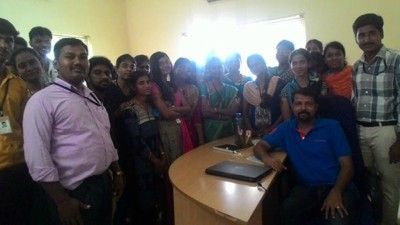
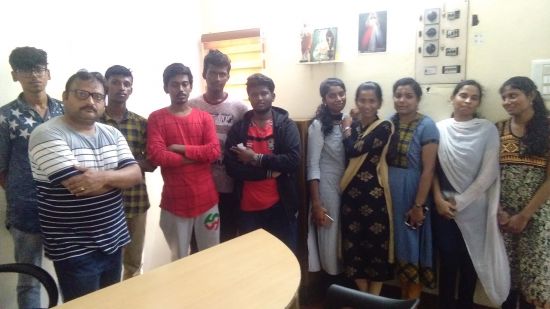
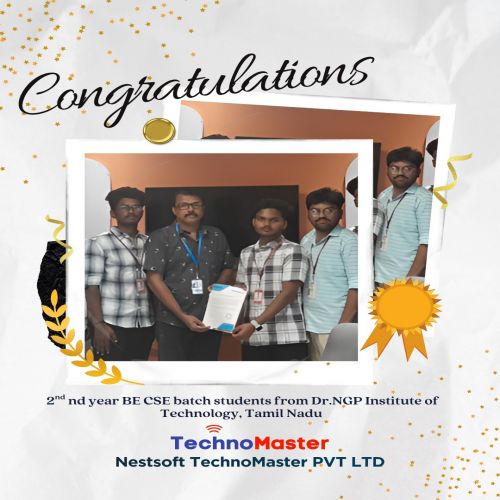
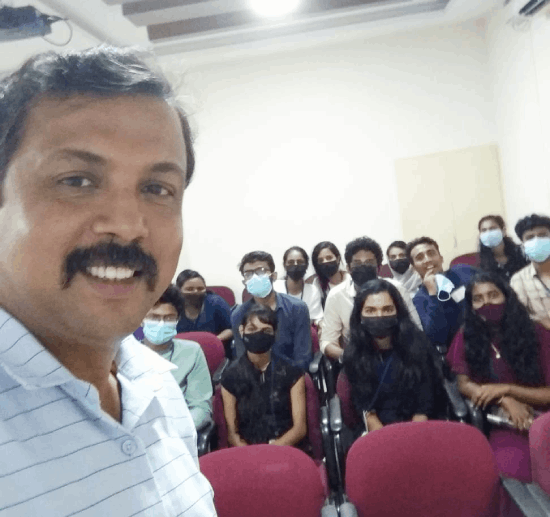
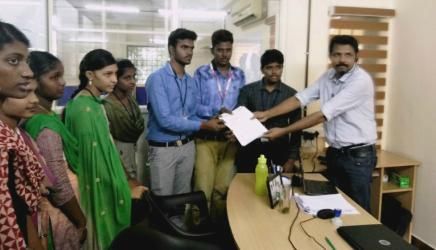
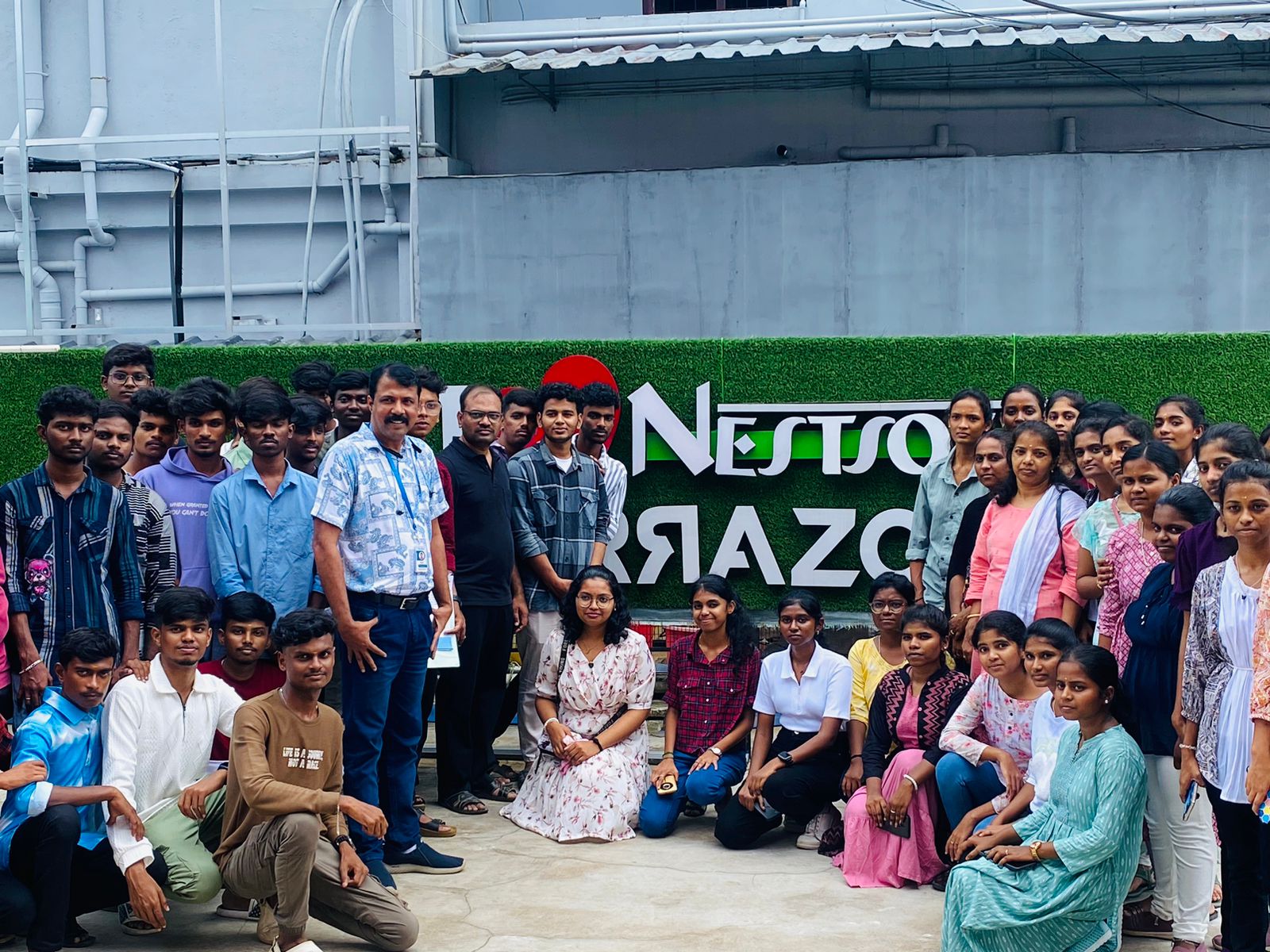
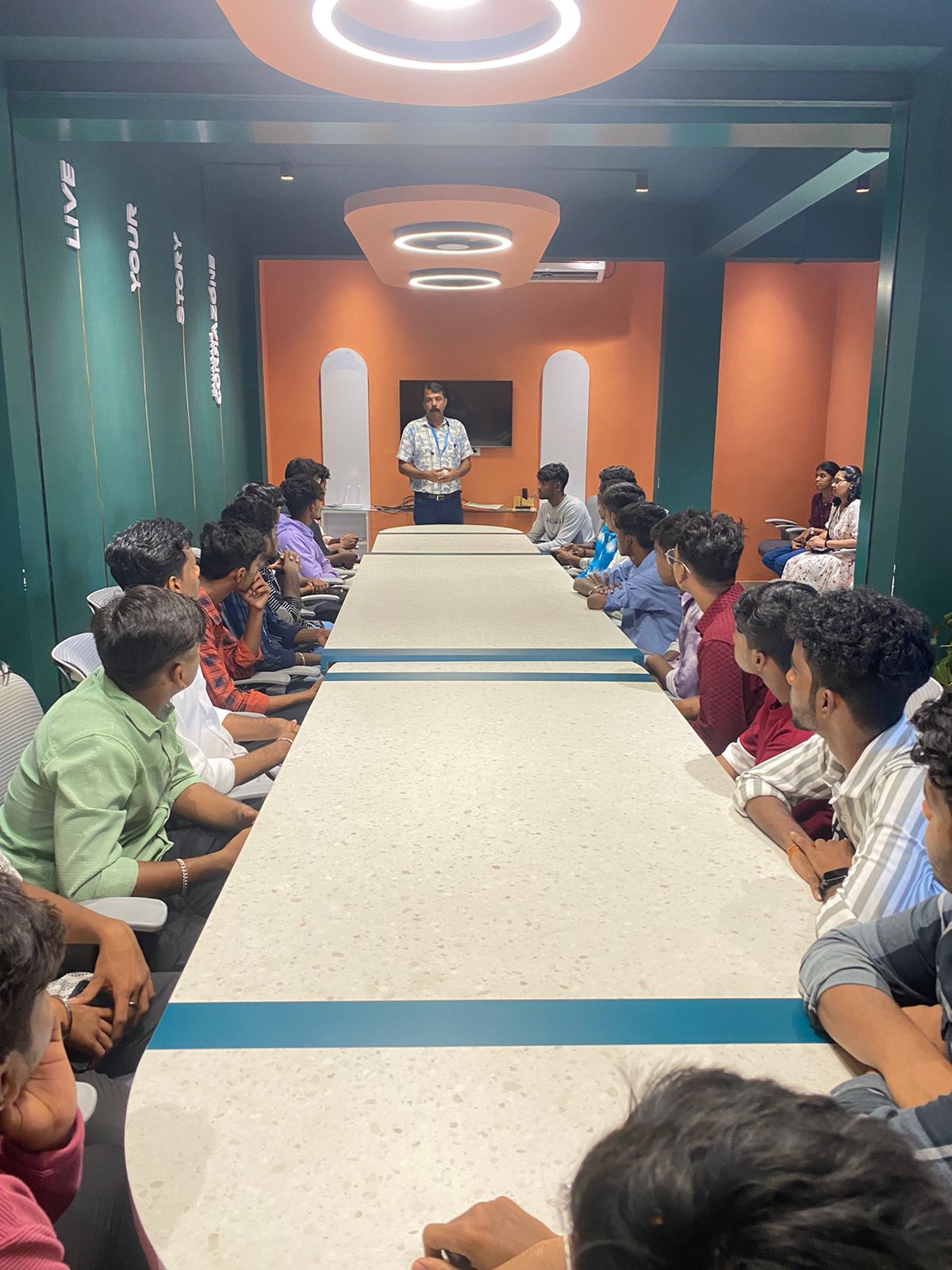
Photos of Training / Internships

Internship/projects in tengah

Trained more than 10000+ students who trust Nestsoft TechnoMaster

Get Your Personal Trainer