
Microsoft Excel Training by Experts

;

Our Training Process

Microsoft Excel - Syllabus, Fees & Duration

Microsoft Excel Course Syllabus


Module 1: Introduction to Excel

  • Overview of Excel interface and ribbon
  • Workbook and worksheet basics
  • Understanding cells, rows, and columns
  • Data entry and editing (numbers, text, and formulas)
  • Saving, opening, and sharing Excel files

Module 2: Basic Excel Functions and Features

  • Using basic formulas and functions (SUM, AVERAGE, MIN, MAX)
  • Understanding absolute, relative, and mixed cell references
  • Formatting cells (font, alignment, number formats)
  • Conditional formatting basics
  • Working with dates and time

Module 3: Managing Data

  • Sorting and filtering data
  • Creating and managing tables
  • Data validation techniques
  • Removing duplicates
  • Working with text (Text to Columns, CONCATENATE, LEFT, RIGHT, MID, TRIM)

Module 4: Data Visualization with Charts

  • Creating basic charts (bar, line, pie, column)
  • Customizing chart elements (titles, legends, axes)
  • Introduction to sparklines
  • Combo charts and secondary axes

Module 5: Intermediate Excel Features

  • Using advanced functions (IF, VLOOKUP, HLOOKUP, INDEX, MATCH)
  • Logical and text functions (LEN, SUBSTITUTE, SEARCH)
  • Working with named ranges
  • PivotTables and PivotCharts
  • Grouping and summarizing data in PivotTables

Module 6: Advanced Excel Techniques

  • Nested functions (e.g., IF with AND/OR, INDEX-MATCH combinations)
  • Advanced conditional formatting rules
  • Data analysis using What-If Analysis (Goal Seek, Scenario Manager)
  • Introduction to Macros (recording and running basic macros)
  • Using Excel with external data sources

Module 7: Data Analysis and Reporting

  • Advanced filtering techniques
  • Creating dashboards with Excel
  • Using Power Query for data transformation
  • Introduction to Power Pivot for data modeling
  • Advanced chart techniques (waterfall, Gantt chart)

Module 8: Collaboration and Productivity

  • Sharing and protecting workbooks
  • Tracking changes and using comments
  • Collaborative editing in Excel (online versions)
  • Workbook and worksheet protection techniques

Module 9: Excel Shortcuts and Best Practices

  • Essential keyboard shortcuts
  • Efficiency tips for faster data entry
  • Avoiding common errors in formulas and data
  • Best practices for creating professional spreadsheets

Module 10: Excel for Specialized Use Cases (Optional)

  • Excel for finance: financial formulas and templates
  • Excel for project management: Gantt charts and trackers
  • Excel for inventory management and logistics
  • Excel for HR: employee trackers and payroll templates

Assessment and Certification

  • Hands-on projects: Build dashboards, analyze datasets, and create reports
  • Quizzes at the end of each module
  • Final practical test
  • Certification upon successful course completion

Download Syllabus - Microsoft Excel
This syllabus is not final and can be customized as per needs/updates
 
10000+
20+
50+
25+

Microsoft Excel Jobs in Butik Batok

Enjoy the demand

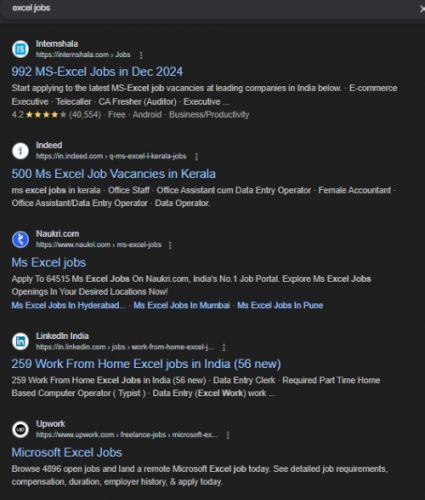
Find jobs related to Microsoft Excel in search engines (Google, Bing, Yahoo) and recruitment websites (monsterindia, placementindia, naukri, jobsNEAR.in, indeed.co.in, shine.com etc.) based in Butik Batok, chennai and europe countries. You can find many jobs for freshers related to the job positions in Butik Batok.

  • Data Analyst
  • Financial Analyst
  • Business Analyst
  • Project Manager
  • Accountant
  • Human Resources (HR) Specialist
  • Supply Chain Specialist
  • Marketing Analyst
  • Administrative Assistant
  • Operations Manager

Microsoft Excel Internship/Course Details

Microsoft Excel internship jobs in Butik Batok
Microsoft Excel Designed for beginners and advanced users alike, this course covers essential skills, advanced functionalities, and real-world applications to help you efficiently analyze data, create reports, and streamline workflows. Whether you're managing personal finances, generating professional reports, or working with complex datasets, this course equips you with the tools to excel. , . Master the art of Microsoft Excel, the world's leading spreadsheet application, with this comprehensive course.


Meet a Few of our Industry Experts 🚀 Your Pathway to IT Career

Kiran

Mobile: +91 94975 90866
Location: Online (Butik Batok, Singapore)
Qualification: Diploma in computer Engineering

Experience: Ethical Hacking Vulnerability Assessment C programming (basics) HTML SQL |   more..

Sunita

Mobile: +91 94975 90866
Location: Online (Butik Batok, Singapore)
Qualification: MCA

Experience: 5 4 Year experience in Manual and automation testing skills: Selenium Java CUCUMBER TestNg Jira  more..

Srividhya

Mobile: +91 8301010866
Location: Online (Butik Batok, Singapore)
Qualification: B.tech information technology

Experience: I have been working as a professional designer for four years collaborating with various companies and products I have a  more..

Priyanka

Mobile: +91 91884 77559
Location: Online (Butik Batok, Singapore)
Qualification: BTech

Experience: Hi sir ma'am Hope you are doing well My name is Priyanka Priyadarshini I have completed my BTech in 2023  more..

Shreethal

Mobile: +91 8301010866
Location: Online (Butik Batok, Singapore)
Qualification: Btech

Experience: I have studied Computer science and engineering from Universal Engineering college under Abdul kalam technical university I possess rich domain  more..

Kriti

Mobile: +91 91884 77559
Location: Online (Butik Batok, Singapore)
Qualification: BTech in computer science and engineering

Experience: Html css javascript react native bootstrap sass scss   more..

Arabinda

Mobile: +91 8301010866
Location: Online (Butik Batok, Singapore)
Qualification: BCA

Experience: Skills: JavaScript programming Library design CSS proficiency PHP proficiency Project Management HTML expertise Laravel NET development VBScript Microsoft ASP NET  more..

Shadab

Mobile: +91 91884 77559
Location: Online (Butik Batok, Singapore)
Qualification: High School

Experience: Working with php wordpress and all related technologies from 10 years   more..

George

Mobile: +91 9895490866
Location: Online (Butik Batok, Singapore)
Qualification: B.Tech

Experience: C programming HTML CSS Javascript Python PHP  more..

Sunitha

Mobile: +91 9895490866
Location: Online (Butik Batok, Singapore)
Qualification: M. E

Experience: I have two years of experience in web development My skills: Html Css javascript mysql flutterflow nodejs I have interest  more..

Harshad

Mobile: +91 9895490866
Location: Online (Butik Batok, Singapore)
Qualification: BCA

Experience: I have 2+ years experience in Android application development in kotlin or java I'm work with rest api retrofit room  more..

Samuel

Mobile: +91 8301010866
Location: Online (Butik Batok, Singapore)
Qualification: MBA in finance and marketing

Experience: Completed DTP including ms excel word and power point Hardware and networking Tally and accounting ERP9 |   more..

Pandiyarajan

Mobile: +91 94975 90866
Location: Online (Butik Batok, Singapore)
Qualification: MSc Information Technology

Experience: Core Java Selenium Automation testing Manual Testing SQL CUCUMBER Framework testNG Jenkins Jira tool   more..

R.Jeniha

Mobile: +91 9895490866
Location: Online (Butik Batok, Singapore)
Qualification: B.sc computer science

Experience: 4 years of experience Proficient in figma Certified in web design   more..

Chiranjeevee

Mobile: +91 91884 77559
Location: Online (Butik Batok, Singapore)
Qualification: MCA

Experience: Cybersecurity networking Linux OWASP ZAP and many more tools  more..

divya

Mobile: +91 9895490866
Location: Online (Butik Batok, Singapore)
Qualification: btech mtech

Experience: software testing   more..

Subhasish

Mobile: +91 8301010866
Location: Online (Butik Batok, Singapore)
Qualification: M.sc(Math)

Experience: Laravel Codeigniter php mysql  more..

SUNNY

Mobile: +91 89210 61945
Location: Online (Butik Batok, Singapore)
Qualification: Persuing Btech in Computer Science

Experience: I am a 3rd-year B Tech CSE student with a strong foundation in web development I have gained practical experience  more..

Success Stories

The enviable salary packages and track record of our previous students are the proof of our excellence. Please go through our students' reviews about our training methods and faculty and compare it to the recorded video classes that most of the other institutes offer. See for yourself how TechnoMaster is truly unique.

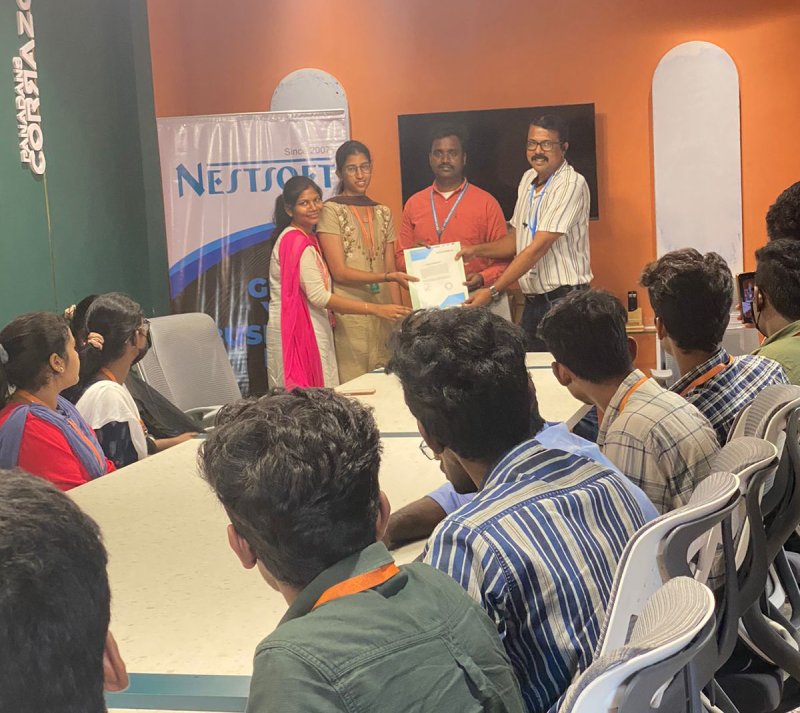
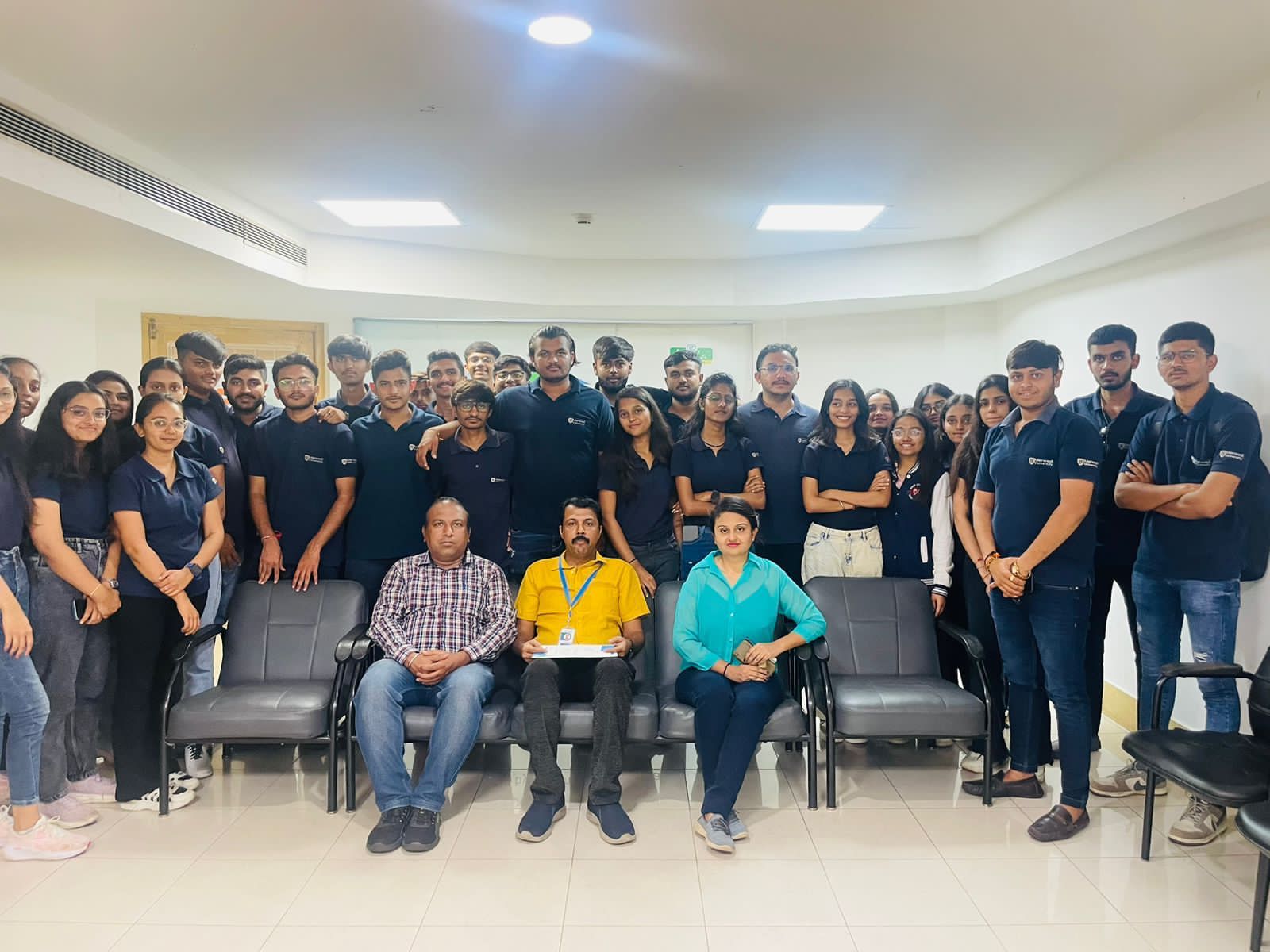
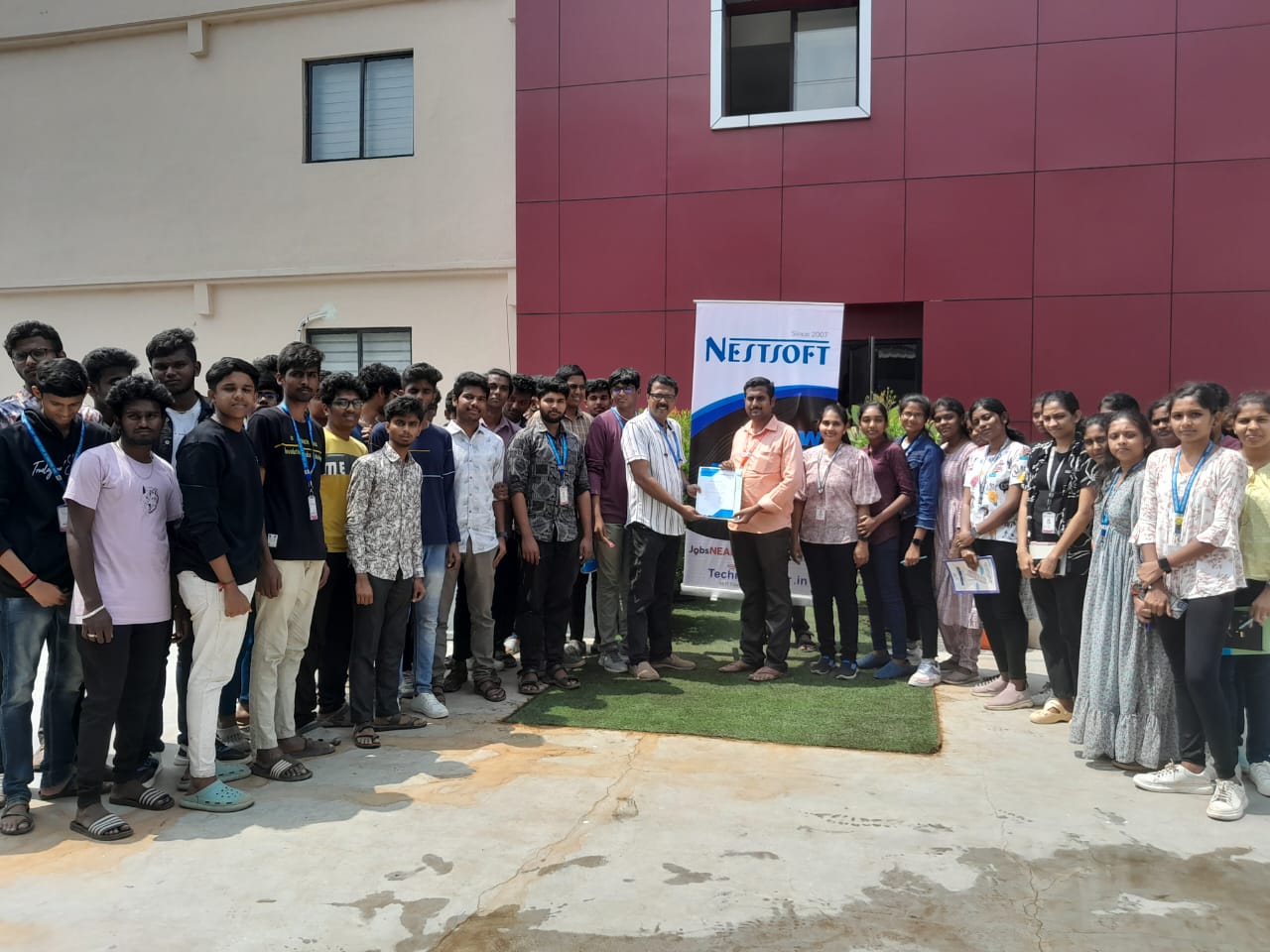
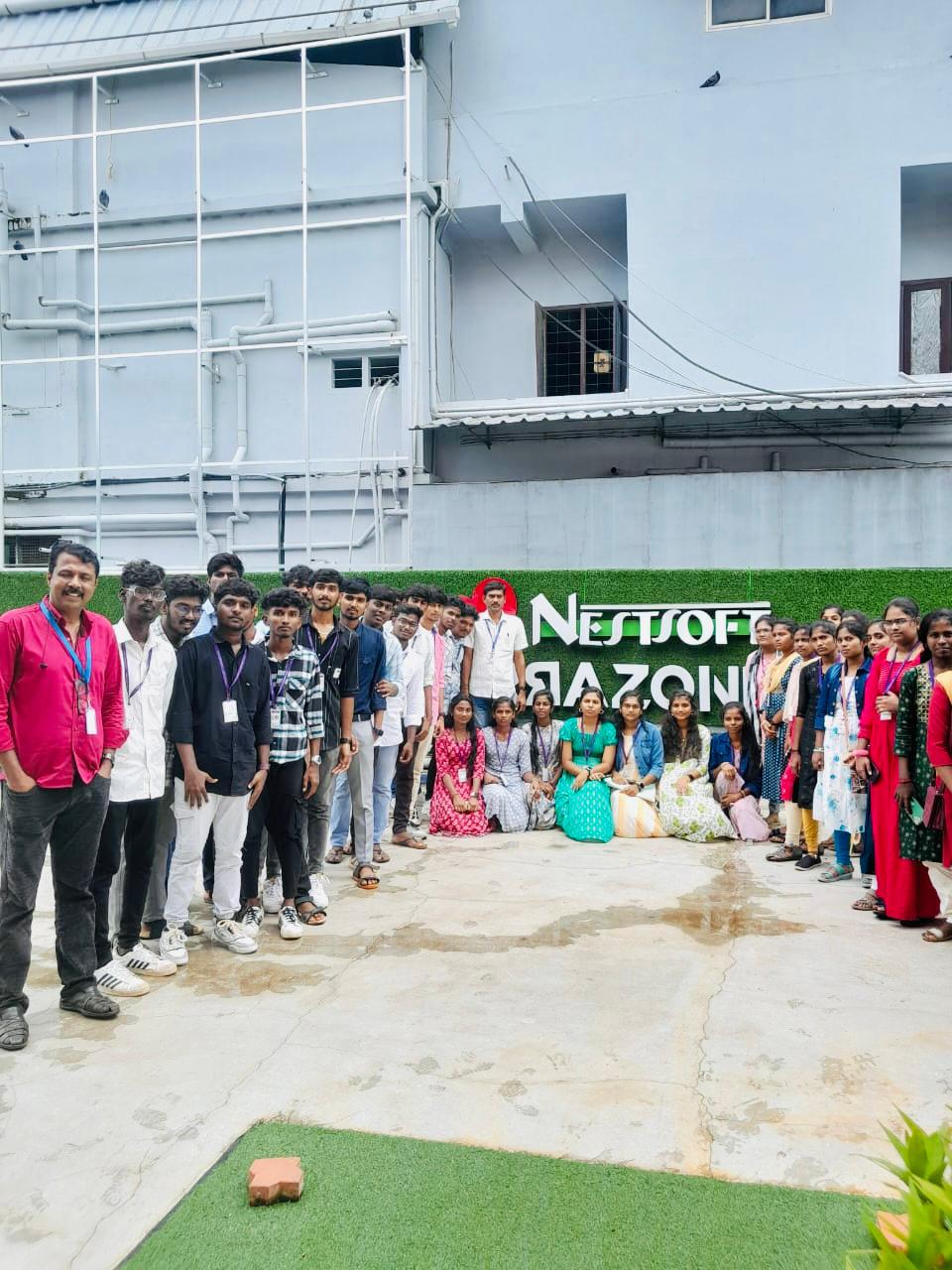
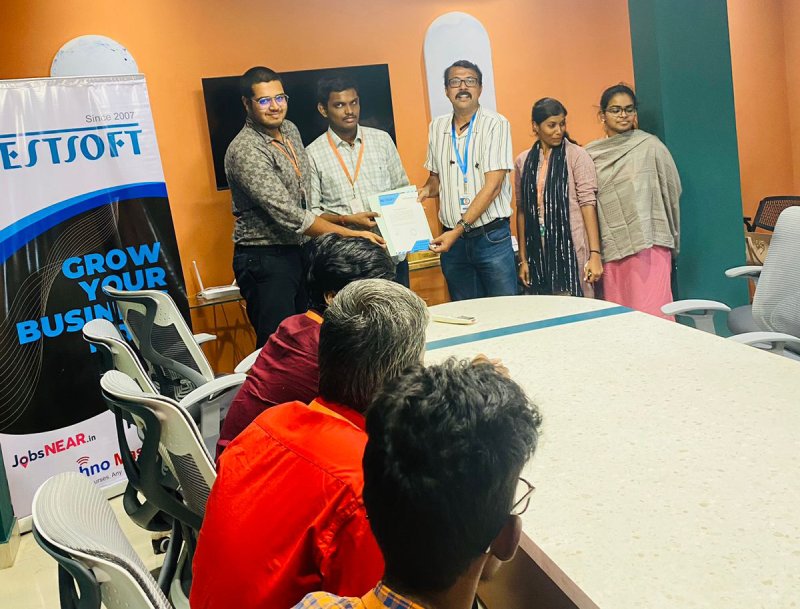
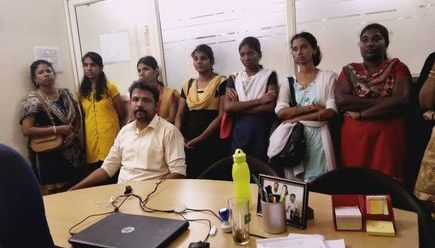
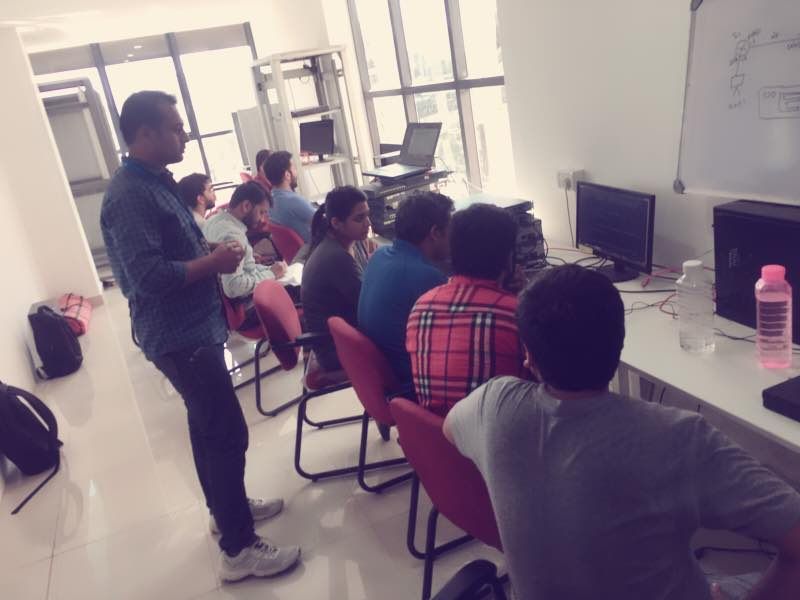
Photos of Training / Internships

Internship/projects in butik-batok

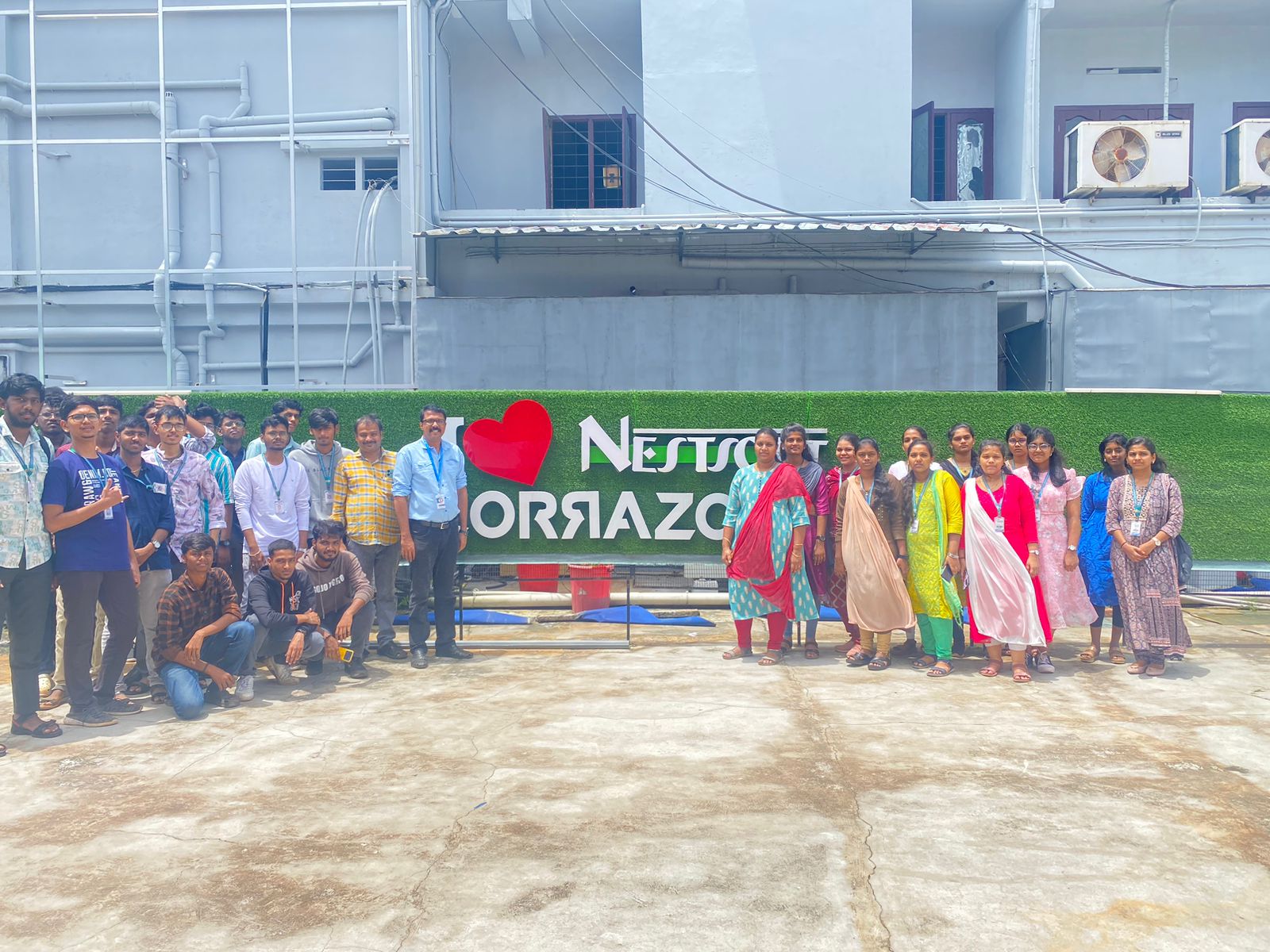
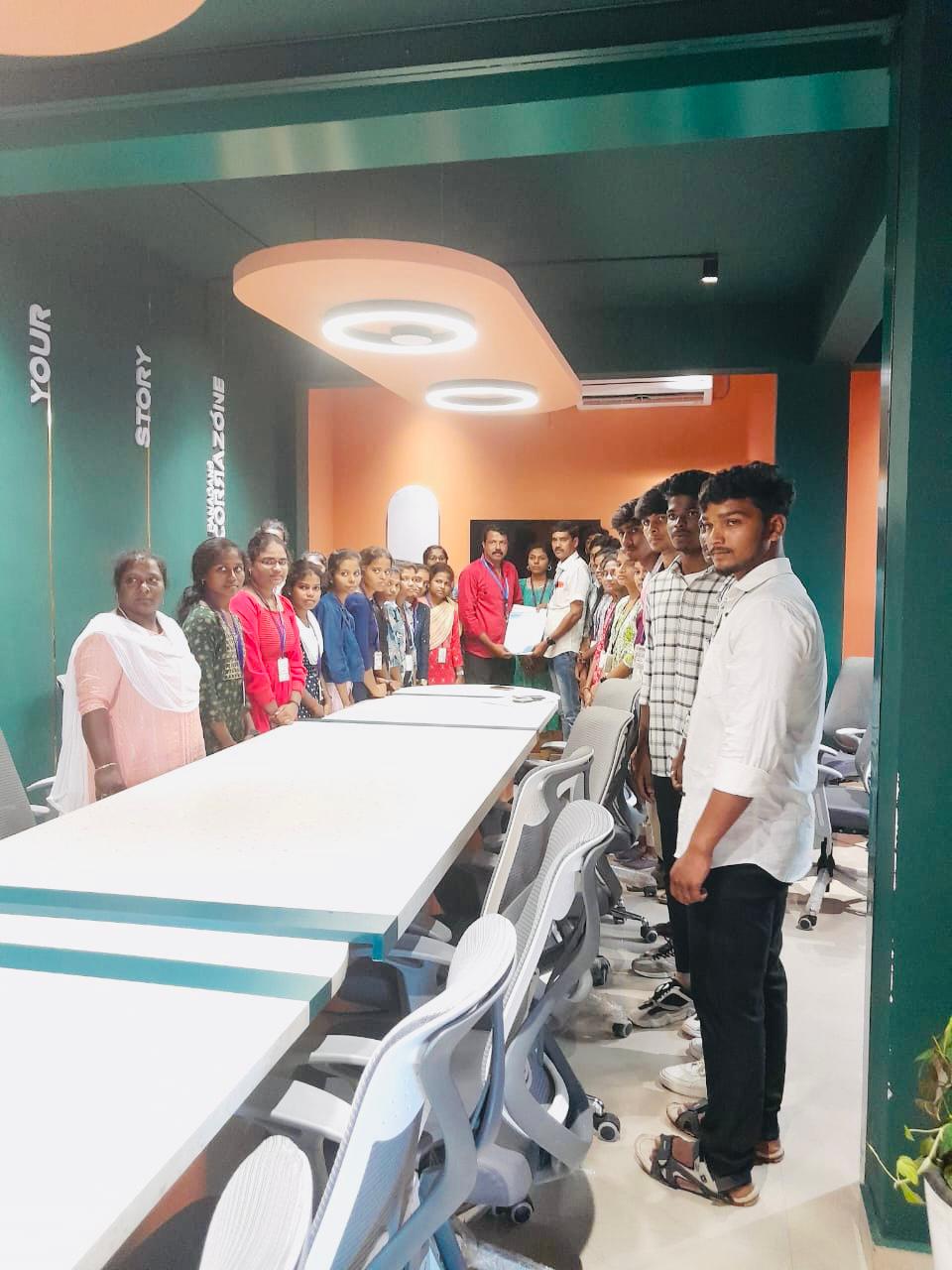
Trained more than 10000+ students who trust Nestsoft TechnoMaster

Get Your Personal Trainer